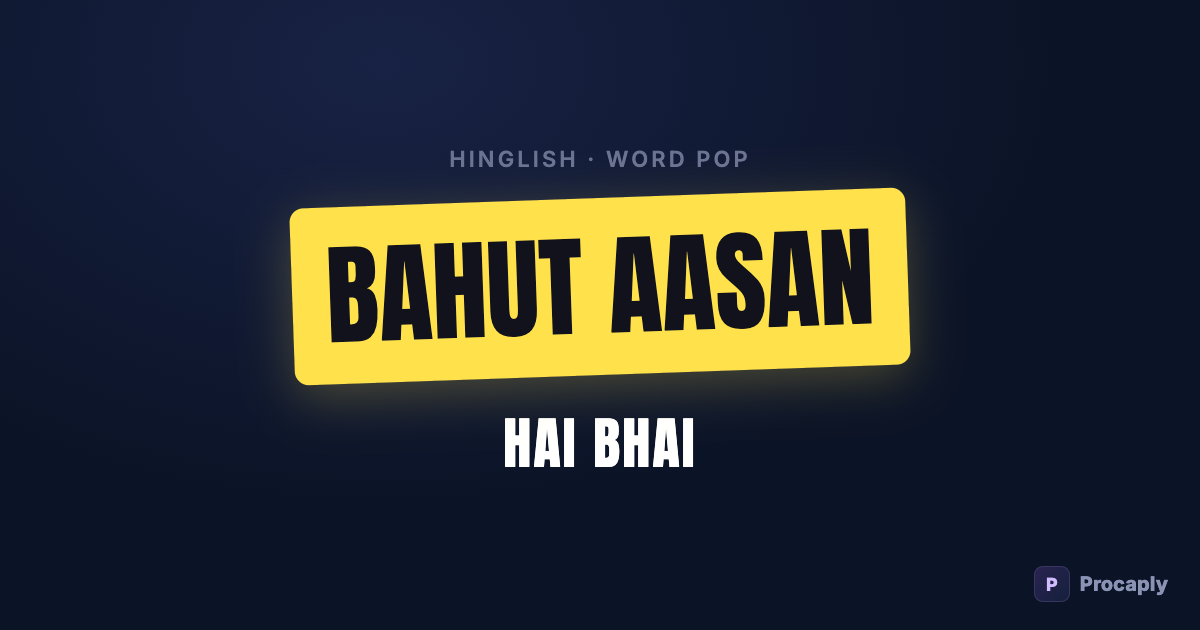
"Bhai, yeh trick bahut aasan hai — bas AI tools use karo." That sentence isn't Hindi and isn't English. It's Hinglish — the default register of young India, from Delhi college reels to Silicon-Valley-NRI tech talk. If your audience speaks it, your captions should too.
- Hinglish reads faster than Devanagari for most feed audiences under 25.
- Standard auto-captions give you Devanagari — Hinglish needs a tool that outputs it directly.
- Spelling consistency and one highlighted keyword per line are the two "big account" tells.
- English hook words ("FREE", "AI TOOLS") should stay English — they carry the scroll-stop.
Why Hinglish captions work so well on Reels
- Zero reading friction. Over 500 million Indians speak Hindi, but a huge share of your feed audience reads Latin script faster than Devanagari — especially under 25.
- It's the comment-section language. Captions in the audience's own register feel native, not broadcast. That familiarity is retention.
- English hooks stay English. "SIDE HUSTLE", "AI TOOLS", "FREE" — the words that stop the scroll are usually English anyway. Hinglish lets them live inside the sentence naturally.
- All viral styles apply. Big bold pop words, yellow highlight pills, karaoke fills — the styles that dominate high-performing Reels are Latin-script styles.
The two ways to get Hinglish captions
1. Type them yourself
Fine for a single hook line. For full-video captions it collapses under the same problems as any manual captioning: timing every word to speech, and keeping spellings consistent across 40 caption cards ("bahut" in one, "bohot" in the next reads sloppy fast).
2. Auto-generate from your Hindi speech
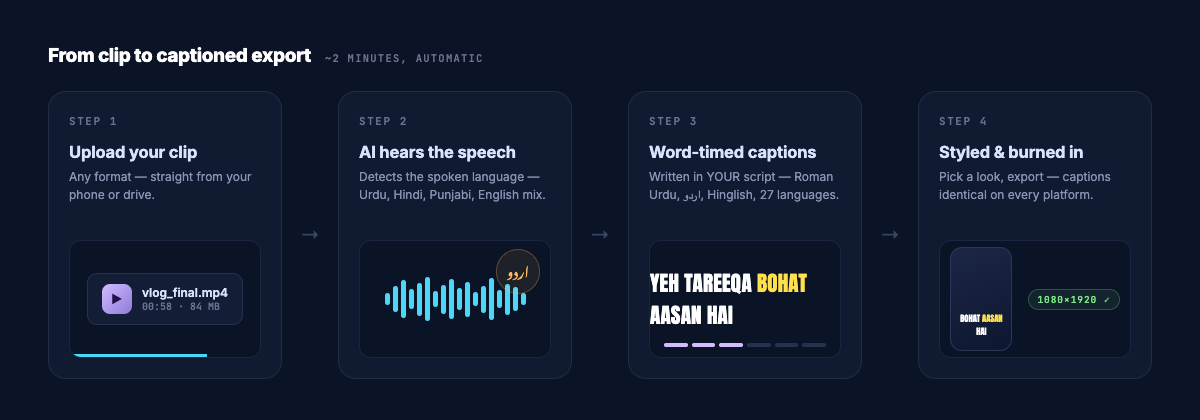
Standard auto-caption tools transcribe Hindi speech into Devanagari — correct, but not Hinglish. Procaply has Hinglish as a dedicated output language: it hears your Hindi/Urdu speech and writes Latin-script captions with consistent canonical spellings (bahut, accha, nahi, kyunki), keeps English words in real English spelling, and writes numbers as digits ("10 lakh", "50%"). Every word is timestamped, so reveals and highlights sync to your voice.
Styling Hinglish like the big accounts
- One highlighted keyword per line. Colour exactly the word that carries the sentence — "yeh trick BAHUT AASAN hai". Procaply's AI pre-picks these; you can change them.
- Bold geometric fonts. Montserrat ExtraBold, Poppins, Anton — thin fonts die on a 6-inch screen against video.
- 3–5 words on screen. Short chunks synced to speech beat full sentences parked on screen.
- Word-by-word reveal. The single biggest "professional look" upgrade — how it works and when to use it.
- Keep placement consistent — middle-lower third, clear of the platform UI. Jumping captions read as unedited.
Hinglish vs Hindi captions: which should you post?
| Your content | Better choice |
|---|---|
| Comedy, lifestyle, tech, fitness, vlogs | Hinglish |
| News, devotional, literary, older audience | Hindi (Devanagari) |
| Reaching both | Hindi primary + Hinglish/English second line (bilingual layout) |
If you're on the Pakistan side of this decision, the same logic applies between Urdu script and Roman Urdu — we broke that down here.
Frequently asked questions
My speech mixes Hindi and English mid-sentence. Will that break it?
No — code-switching is the normal case for Hinglish and the recognition handles it; English fragments come out in English, Hindi fragments in Roman spelling.
Is Hinglish the same as Roman Urdu?
Same mechanism, different vocabulary flavour — Hinglish uses Hindi-style spellings (bahut, accha), Roman Urdu uses Urdu-style ones (bohat, acha). They are separate output languages so your captions stay consistent either way.
Which font works best for Hinglish captions?
Heavy geometric sans faces — Anton, Montserrat ExtraBold, Poppins Bold. Hinglish is Latin script, so every viral caption font works; the mistake to avoid is thin or decorative faces that vanish against video.
Should my captions be Hinglish if my speech is pure Hindi?
Usually yes for entertainment and education content aimed under-30 — viewers read Latin faster in-feed. Keep Devanagari for devotional, news and literary content where the script itself signals register.